Impactful GPU Scheduling: How Ai2 Replaced Priority Chaos with Time Budgets and Fair-Share Allocation
告別搶算力惡夢:Ai2 如何透過「時間預算」與平攤調度翻轉 GPU 叢集效率
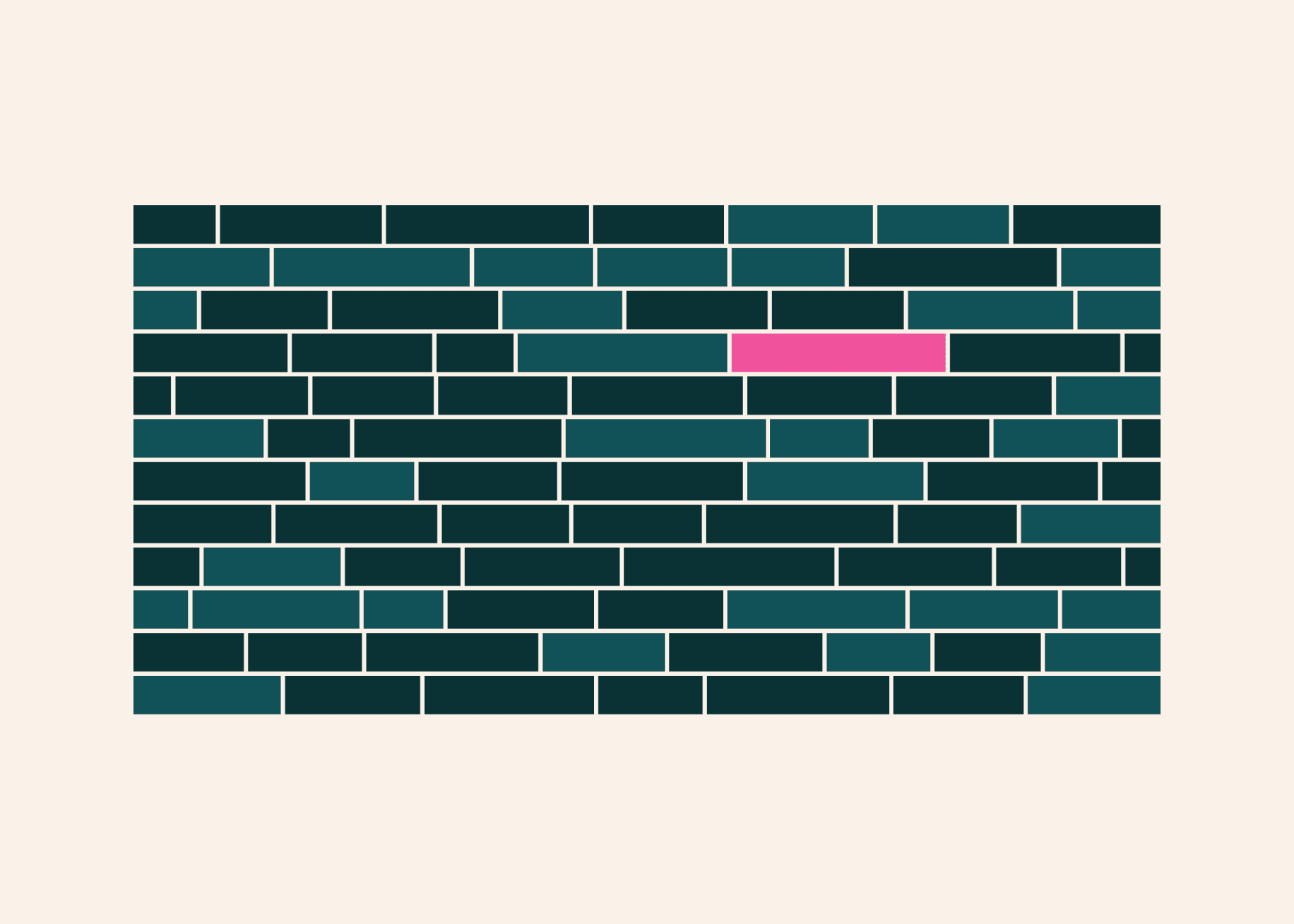
Facing GPU demand 2-3x over capacity, Ai2 suffered from priority inflation and resource squatting under its old scheduler. To fix this, Ai2 introduced hierarchical GPU time budgets set by managers, combined with a 7-day sliding fair-share algorithm and minimum runtime contracts for time-slicing. The reform delivered 98% of owed GPU time to teams, reduced debug wait times to 30 seconds, and cut human-in-the-loop repair toil by 74%.
Key points
Leadership as Compute Investors
Managers assign GPU time budgets based on strategy instead of static machine monopolies, making scheduler tricks costly to users.
Hierarchical Fair-Share Scheduling
A 7-day sliding lookback window prioritizes under-utilized allocations and enables burst capacity when compute becomes available.
Scheduling Contracts & Automated Draining
Jobs set minimum runtimes (up to 8 hours) before becoming preemptible, enabling auto-draining of faulty hosts and cutting on-call toil by 74%.
Debug Queue Latency Drops to 30s
P90 queue wait times for short debug workloads plummeted from 2 hours to just 30 seconds, enabling real-time developer workflows.
How it works
| 舊版優先級調度 (Baseline) | 新版預算平攤調度 (New Scheduler) | |
|---|---|---|
| Allocation Model | 按優先級與單一 GPU 上限強行配額 | 管理者分配「時間預算 %」,層級平攤調度 |
| Debug Queue Latency (p90) | 約 2 小時 (2 Hours) | 大幅降至 30 秒 (30 Seconds) |
| Resource Squatting | 普遍存在(掛載空任務避免被搶佔) | 消除(佔用會消耗團隊預算額度) |
| On-Call Repair Toil | 需工程師人工談判調度下線 | 時間切片到期自動排空,人工介入減少 74% |
| Cluster Occupancy | 98% | 98%(含 18% 未分配時間填充高稼動) |
Why it matters
Managing scarce GPU compute for LLM training often devolves into a tragedy of the commons with priority inflation and resource squatting. Ai2 proves that pairing administrative GPU time budgets with hierarchical fair-share and time-slicing maintains 98% cluster occupancy while dramatically improving developer agility and cutting infrastructure operational toil.
Who it affects
- AI Developer
- Enterprise Leader
- Product Manager
- AI Researcher
How to use it
- 1Allocation of GPU clusters across teams for LLM/VLM training and RL simulations
- 2Handling bursty compute demands and high-priority experimental workloads
- 3Automated draining and maintenance of failing nodes in large-scale hardware clusters
Limitations & caveats
- Interactive dev sessions suffer from preemption after the 8-hour cap, requiring dedicated CPU clusters and state restoration tools.
- Minimum runtimes may induce capacity fragmentation, potentially increasing wait times for very large workloads.
- Initial user adoption required live Q&A sessions and dedicated dashboards to resolve terminology confusion.
Related
Unifying GPU-Initiated Networking: How NVIDIA DOCA GPUNetIO Removes the CPU Bottleneck
GPU 主導網路的終極整合:NVIDIA DOCA GPUNetIO 如何解放運算效能
NVIDIA DOCA GPUNetIO unifies GPU-initiated networking (GDA-KI) across multiple communication libraries, enabling CUDA kernels to bypass CPU bottlenecks and directly drive network operations for lower latency and higher bandwidth.

Control GPU Resource Sharing with CUDA Green Contexts
掌控 GPU 資源分配:利用 CUDA Green Contexts 實現精準的硬體分割
NVIDIA's Green Contexts in CUDA 13.1 enable precise hardware-level SM partitioning and workqueue provisioning to prevent resource contention among concurrent GPU workloads.
NVIDIA Expands AI Storage Acceleration with cuObject and SCADA Server SDK
NVIDIA 推出 cuObject 與 SCADA 伺服器 SDK:實現免經 CPU 的 GPU 直連快取與物件儲存加速
NVIDIA announced the general availability of cuObject libraries and the new SCADA Server SDK, enabling GPU-initiated, zero-copy storage access over RDMA to bypass the CPU and accelerate AI workloads.